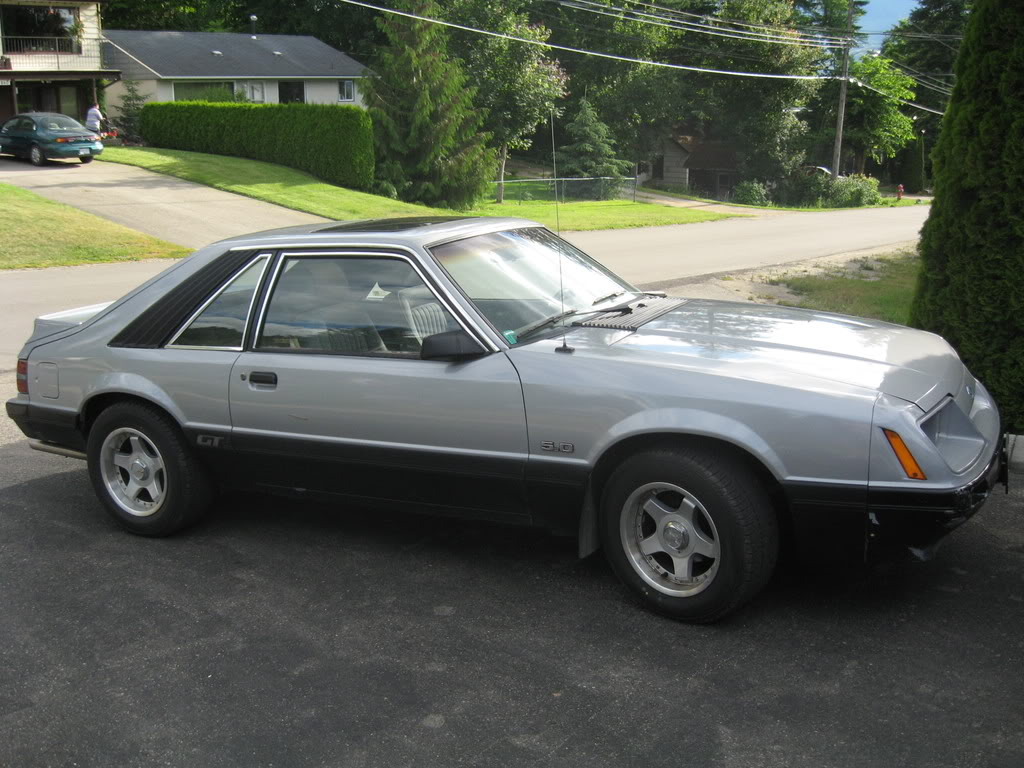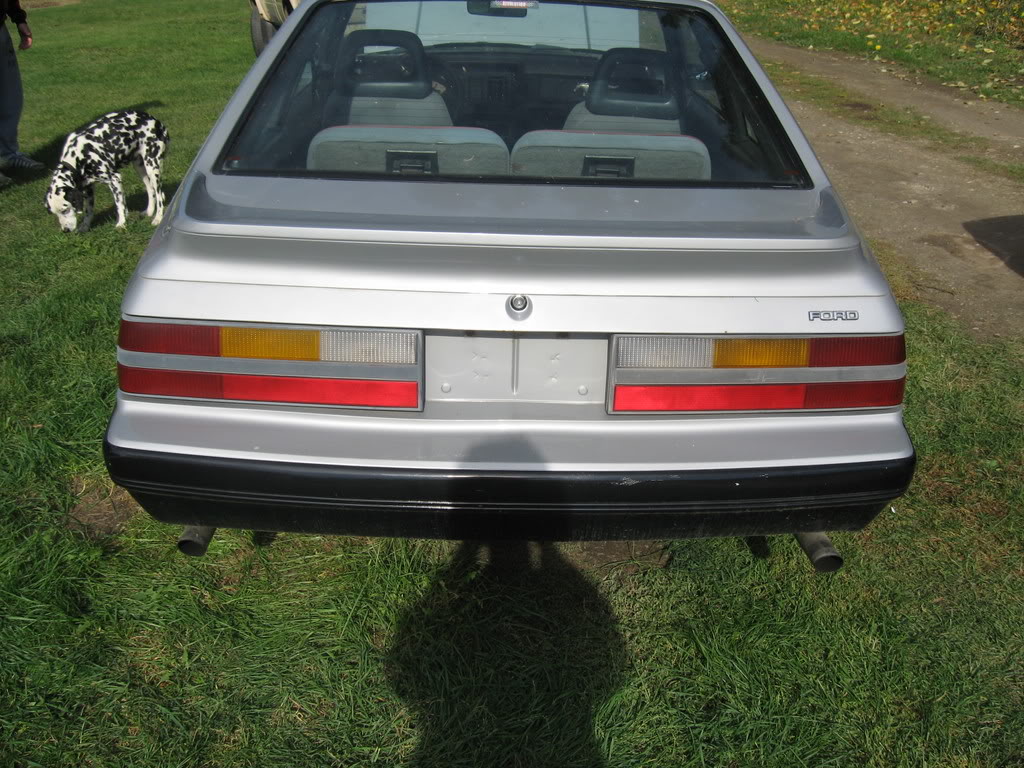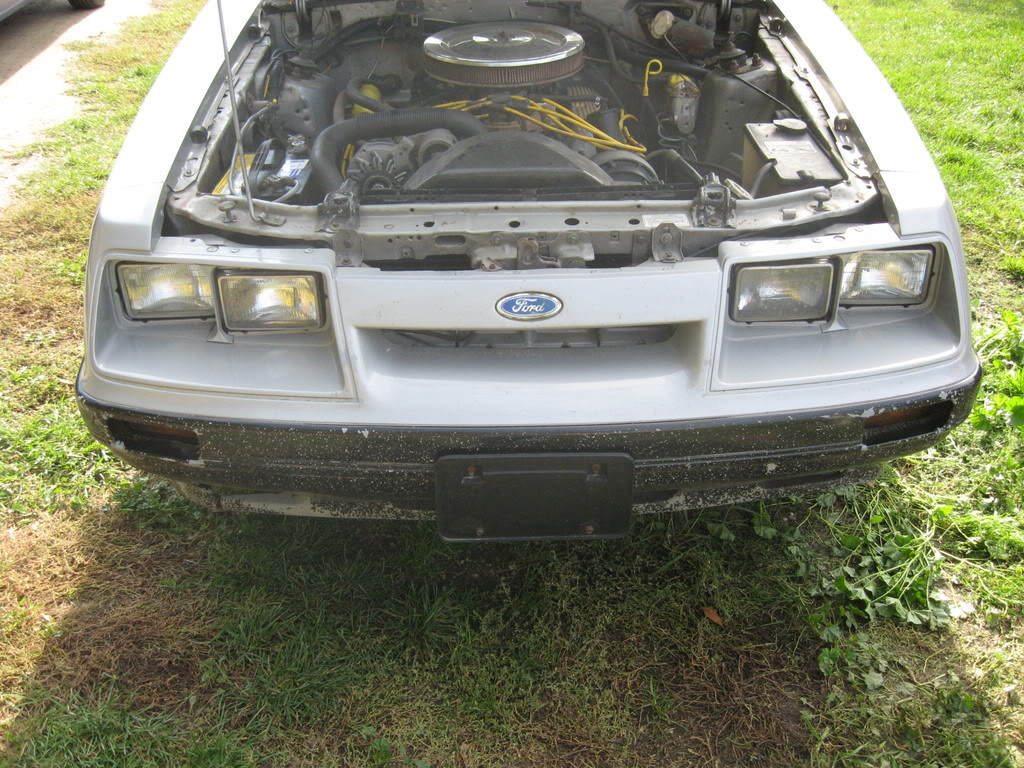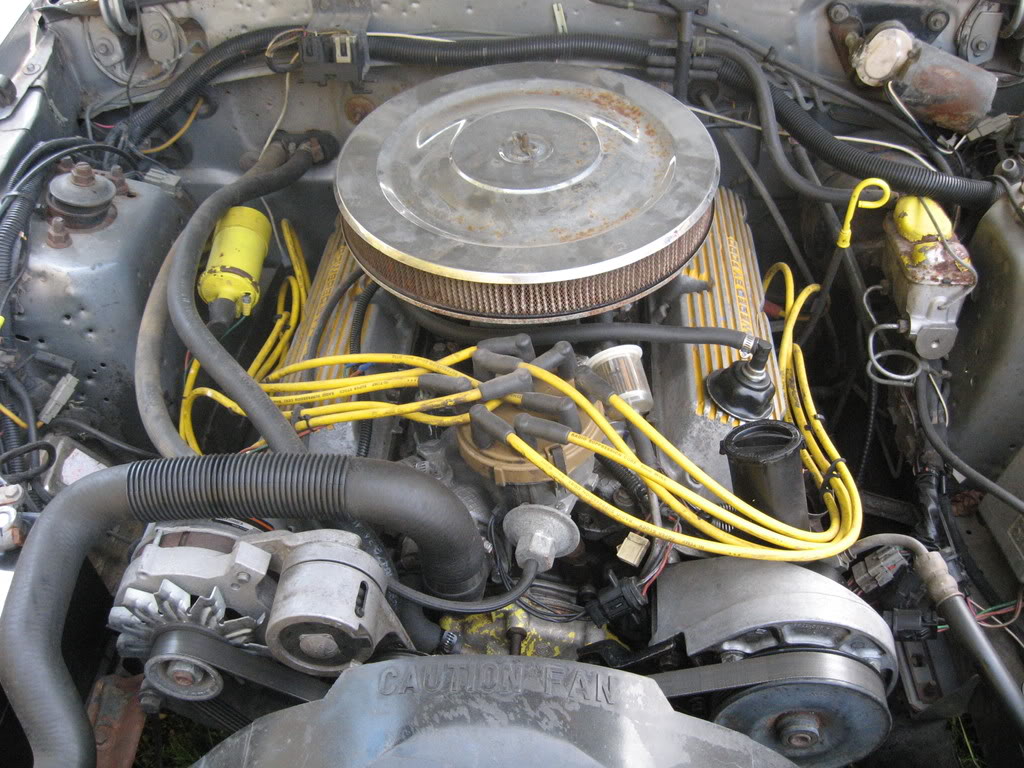


Howdy from BC







you need to find a place to upload them to first ie. www.photobucket.com make an account, upload them, then when you upload them under the pic it will have a "http://www.photobucket.com/username/pic001.jpg" or something along those lines under it.
THen when you are in posting on this site, there is a "insert image" function, it's just above the text you type in, it's yellow and looks like a small mountain in it... it's 2nd from the right on here, to the left of the quote box, and right of the insert link button.
then a window will pop up and you put in the address that is the link to your pic
and it will look something like this
[IMG] http://www.photobucket.com/username/pic001.jpg [//IMG] (minus the extra "/")
and if you copy and pasted the link properly then you picture will appear when you click post
your pics may be to big, the easist solution if they're to big and if you don't have a photo editor, open MS paint, open the file, and if it's huge and you have to scroll, on the menu click "image" then "stretch/skew" then where it has the horizontal and vertical numbers, change them both to the same number like 50 or 30 depending on the size of the pic, then resave them when they are the right size, ie. fit on the screen without scrolling.
Then upload those to your online web space. So we don't have to scroll (left to right) in order to see all your photos
THen when you are in posting on this site, there is a "insert image" function, it's just above the text you type in, it's yellow and looks like a small mountain in it... it's 2nd from the right on here, to the left of the quote box, and right of the insert link button.
then a window will pop up and you put in the address that is the link to your pic
and it will look something like this
[IMG] http://www.photobucket.com/username/pic001.jpg [//IMG] (minus the extra "/")
and if you copy and pasted the link properly then you picture will appear when you click post
your pics may be to big, the easist solution if they're to big and if you don't have a photo editor, open MS paint, open the file, and if it's huge and you have to scroll, on the menu click "image" then "stretch/skew" then where it has the horizontal and vertical numbers, change them both to the same number like 50 or 30 depending on the size of the pic, then resave them when they are the right size, ie. fit on the screen without scrolling.
Then upload those to your online web space. So we don't have to scroll (left to right) in order to see all your photos